A website health check usually produces a PDF of things a crawler already told you. The defects that actually cost traffic are rarely on that list, because the tools generating it check whether a thing exists — not whether it works.
Here are the twelve checks we run before taking over someone else’s site. Every one of them caught a real defect on our own sites in the last three months. That is not a sales line; it is why the list exists in this shape.
The pattern behind all twelve
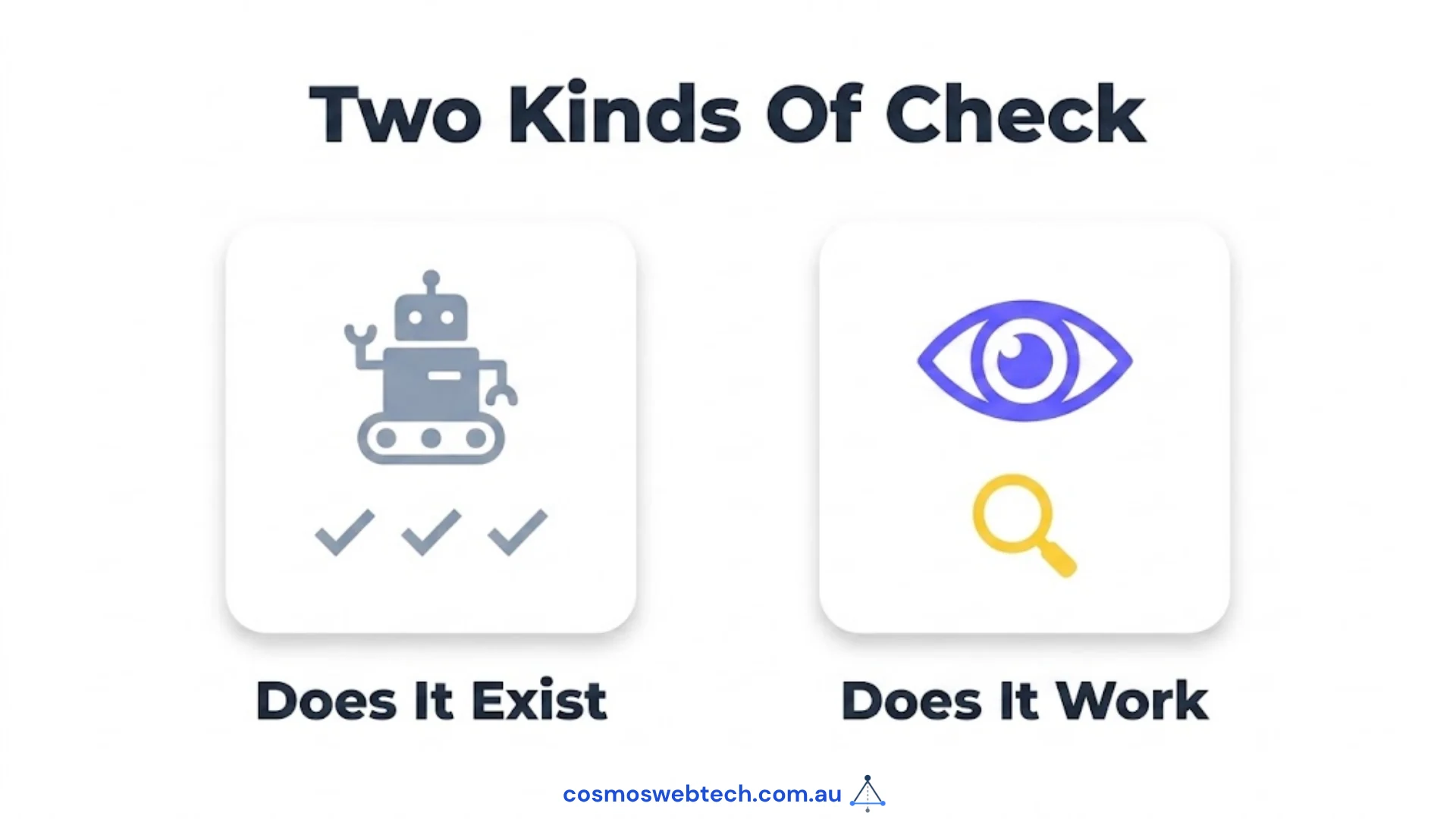
Each check looks for the same failure: something that reports success and does nothing. A file that deploys but is never read. A tag that exists but was never fed. A link written into the source and never drawn on the page.
Automated audits are built to find absences. These checks find presences that are inert.
1. Is your site served on more than one hostname?
Type your domain with www. in front. If both versions load rather than one redirecting, you are serving every page twice.
We found this on three of our own sites in a single afternoon. On one, a redirect rule had existed in the config for months and had never fired — the platform matches those rules on the path only, so a hostname in the rule was decoration that read like a fix.
What it costs: duplicate content and split analytics. On one site the Search Console property being monitored was the www one, which reports near-zero by construction because nothing canonicalises to it. Two tools showed “no traffic” for a site that had traffic.
2. Do your internal links appear on the page?
View the source of a blog post and count links to other posts on your site — not the menu, the ones inside the article and the related-posts block.
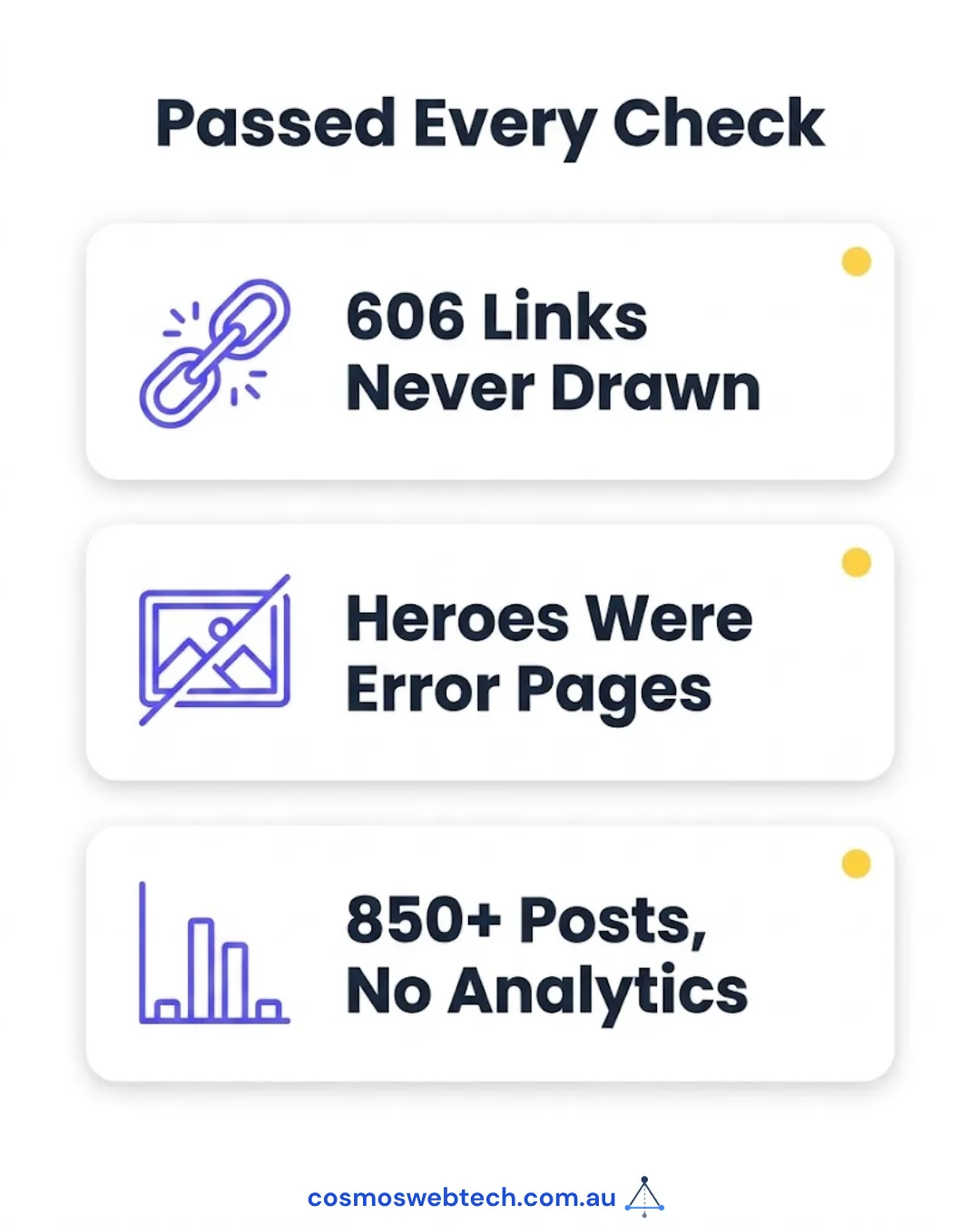
We computed, stored and deployed 606 internal links on this blog. Not one was ever drawn. The data sat in the content files, the template accepted the field, and no template rendered it. Every check said the links existed, because they did — as data.
What it costs: every page becomes an island. Link equity stops circulating, and a 400-page site reads as 400 unrelated pages. We wrote that one up in full: 606 internal links existed, not one of them was on the page.
3. Does every post have a social card, and is it a real image?

Share a page to Slack or LinkedIn and look at the preview.
We found posts declaring an image file that did not exist, posts with no social image at all, and — the one nobody expects — image files whose contents were AWS error responses saved with a .png extension. Those were live for about four months. Browsers hid some and showed alt text for others, which is why nobody reported it. The full post-mortem is here.
What it costs: a broken card halves click-through on every share, and you never see it, because the failure happens on someone else’s screen.
4. Is your Article schema actually populated?
Search your page source for application/ld+json and read what is inside.
Ours had the block. The block was never fed. The template rendered an empty structure on every blog post for months — present to a validator that checks existence, useless to anything that reads it.
5. Can a tool find your sitemap at the conventional path?
Visit yourdomain.com/sitemap.xml.
All five of our sites returned 404 there. The real sitemap lived at /sitemap-index.xml and robots.txt declared it correctly, so Google was fine — but every third-party tool that probes only the conventional path concluded the site had no sitemap. Two separate SEO platforms reported exactly that.
What it costs: not Google. It costs you every directory, crawler and AI tool that checks the standard location and gives up.
6. Do your internal links point at the canonical URL or at a redirect?
If your site serves /blog/post/ with a trailing slash, a link to /blog/post is a redirect. It works — it just makes every crawler take two hops to reach a page you recommended.
We found 21 of these, and eight were added by us the same week, while fixing something else.
7. Is your analytics tag actually installed?
Not “is analytics configured” — is the tag in the HTML of a page you load right now.
One site in our group had more than 850 published posts and no analytics tag at all. It had been assumed present for as long as anyone could remember.
8. Are your drafts genuinely unpublished?
Take an unpublished post’s URL and open it in a private window.
Our blog template honoured draft in the listing, on the homepage and in the RSS feed — but not in the route that generates the page. Drafts got a live URL and a sitemap entry. Hidden from every index, reachable by anyone with the link, and actively advertised to crawlers.
9. Is your staging or preview domain indexable?
Most hosts give you a second address — something.pages.dev, something.netlify.app, staging.yourdomain.com. Load it and see whether it serves the whole site.
Four of ours did, with no noindex. Each emitted a cross-domain canonical, which bounded the damage — but a canonical is a hint, not a directive, and the duplicate still gets crawled.
We found it in a backlink report that listed our own preview domains as inbound links.
10. Are two of your pages competing for the same phrase?
Search site:yourdomain.com plus your main service phrase and see whether more than one page is trying to rank for it.
We had two posts with effectively the same title on the same topic, published months apart, each splitting the other’s signals. Neither ranked. Consolidating them into one URL and redirecting the loser is a twenty-minute job no crawler will ever suggest, because both pages are individually fine.
11. What security headers is your site sending?
From a terminal:
curl -sI https://yourdomain.com.au | grep -i -E "strict-transport|x-frame|x-content-type|referrer-policy"Whatever comes back is what you send. Anything absent is a header you do not have. Two of them can break working functionality if set carelessly, so knowing the current state is the difference between a considered change and a guess — here is what each one does and the order worth doing them in.
12. Can you change something without risking the live site?
Ask where the staging copy is. “We test on the live site carefully” is not a process, it is a hope. A staging copy costs very little and turns “the update broke checkout” from an outage into a Tuesday. We covered why it is the cheapest insurance in WordPress.
What this list is really testing
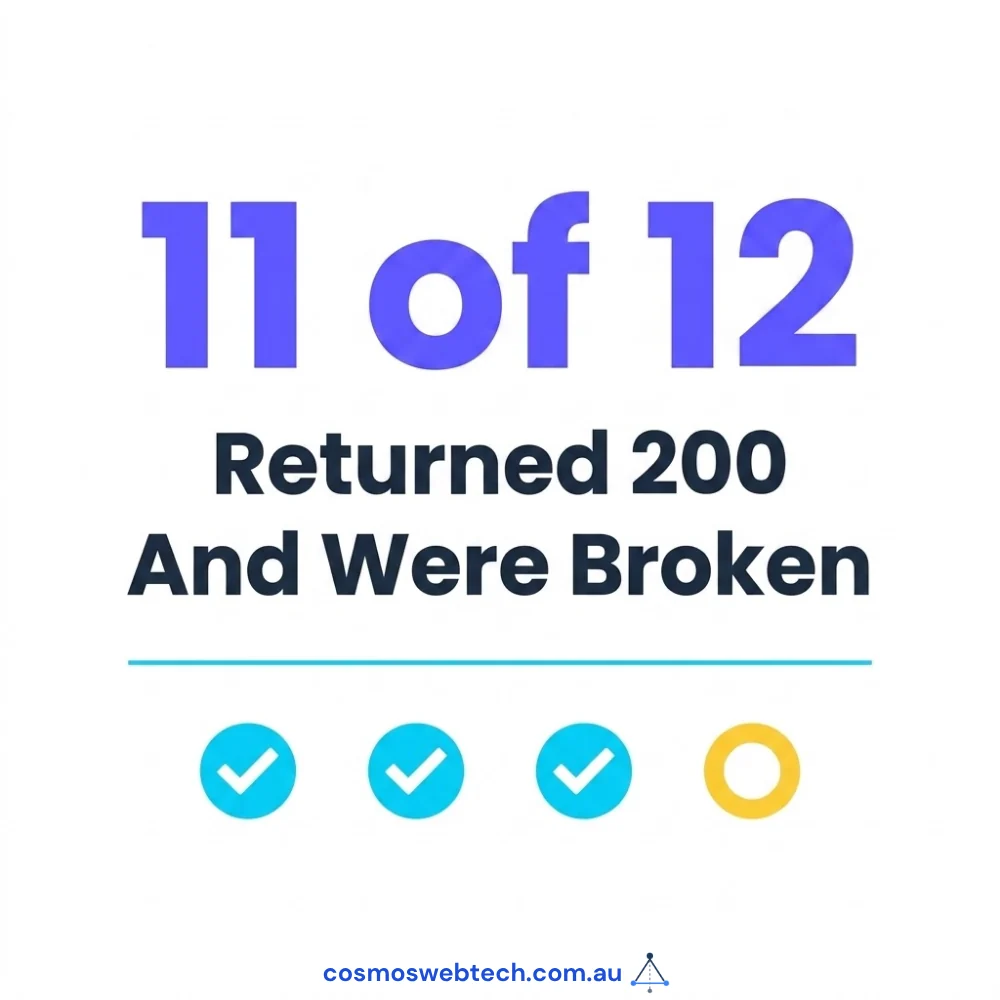
Read back through and notice how few of these a crawler could have told you. A crawler checks whether a page returns 200, whether a tag is present, whether a file exists. Eleven of these twelve defects passed all three of those tests while being completely broken.
That is why the check is manual, and why we run it before quoting on a site rather than after. The cheapest work on most websites is not new pages — it is making the pages that already exist actually function.
Want this run on your site? Get in touch — a health check is a short engagement, and the findings are yours whether or not you do anything else with us.
Server configuration, redirect rules, security headers and preview-domain control sit with Cloud Geeks, who handle hosting and infrastructure for Australian businesses.
Ash Ganda writes on why verification that cannot fail is not verification — the engineering principle underneath most of the checks above.
Part of the Ganda Tech Services family, Cosmos Web Tech delivers specialist web design and digital marketing for Australian small and medium businesses.
Frequently asked questions
What should a website health check include? Specific defects with reproduction steps, not a generic crawler report — each finding should name the page, what is wrong, and how to confirm it yourself. Price varies with the number of pages and whether the site is one property or several. Ours is fixed-scope and the findings are yours regardless of what you do next.
How often should a small business audit its website? Twice a year for a stable brochure site, quarterly if you publish regularly or run e-commerce. The checks above take under two hours once you know what to look for, and most can be run by a non-technical owner.
Will an automated SEO tool find these problems? Mostly no. Eleven of the twelve defects above returned a 200 status, had the expected tag or file present, and passed every automated check we had. Crawlers detect absence; these are failures of things that are present but inert.
What is the most common serious defect you find? Internal links that exist in the source but are never rendered, and analytics that was assumed installed and is not. Both are invisible from the front end, and both silently undermine everything else you spend money on.
Can I run these checks myself?
Yes — nine of the twelve need nothing but a browser, and two need a single curl command. The ones that benefit from experience are the duplicate-content and schema checks, where knowing what correct looks like matters more than knowing how to look.