WordPress 7.1 was released on 19 August 2026. As usual, most of the release notes are aimed at developers, and most of what is written about it will be too.
Here is the short version for someone who runs a business website rather than builds them: three changes are worth knowing about, one has a browser caveat that nobody will mention, and the rest you can safely ignore.
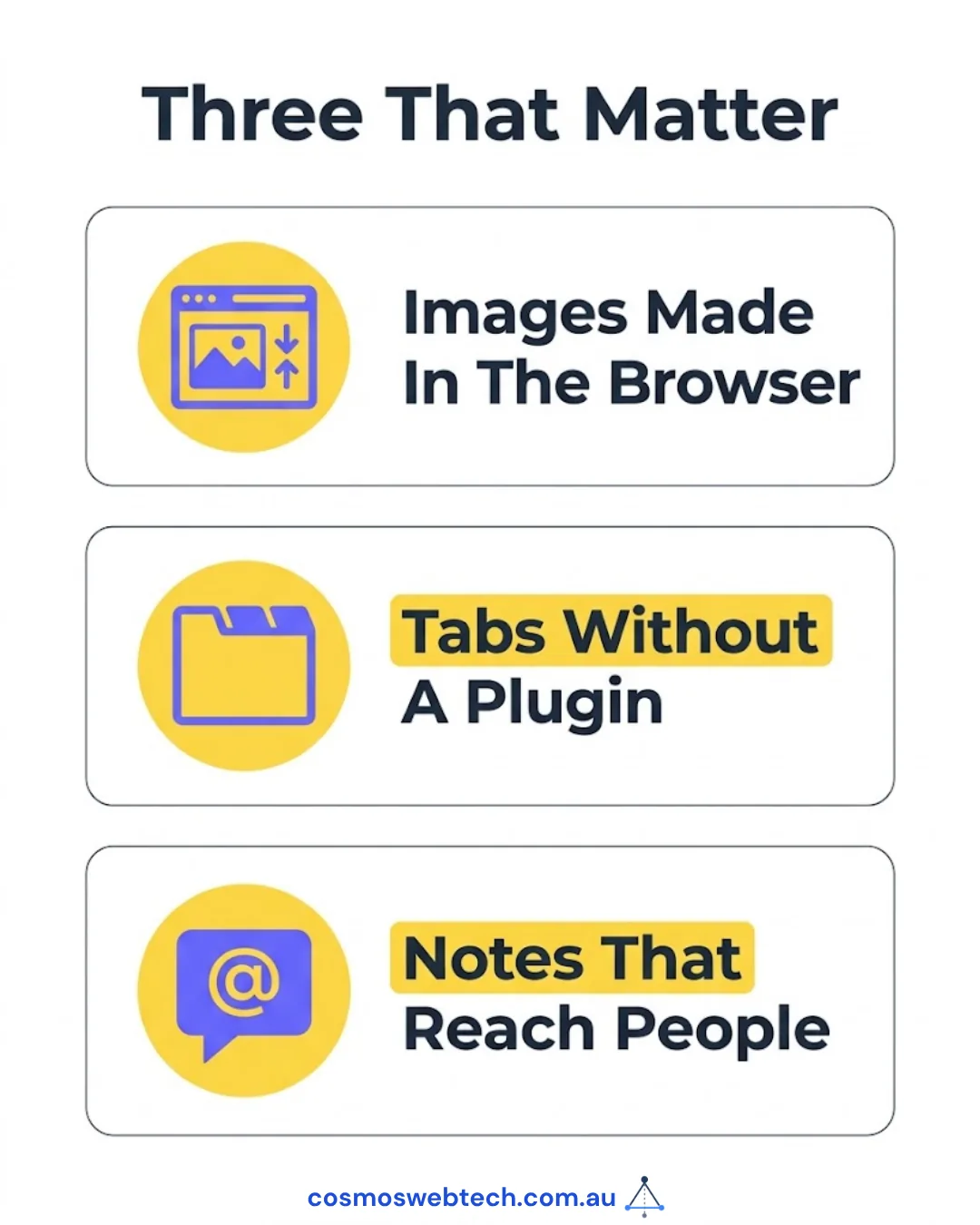
1. Images are now processed in your browser, not on the server
This is the headline change, and it is a genuine improvement.
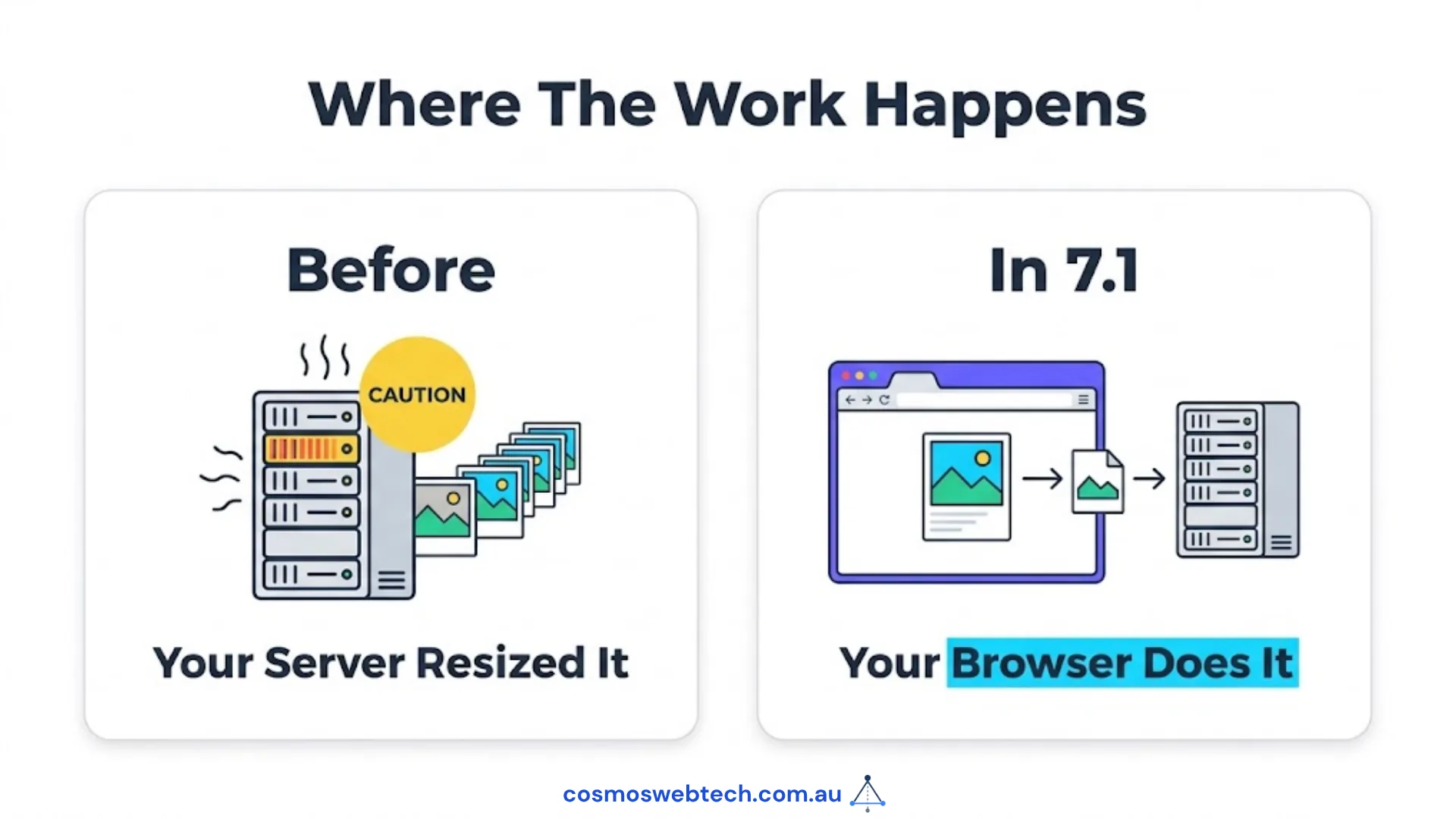
Previously, when you uploaded a photo, your server did the work — resizing it, generating thumbnails, converting formats, rotating it based on the camera orientation. On shared or entry-level hosting, uploading a batch of large images could visibly slow the whole site while it churned.
In 7.1, that work happens in your browser before the file is sent. WordPress uses a WebAssembly build of the libvips image library to do it locally.
What you get: less server load during uploads, and files roughly 15% smaller than the server-side tools produced. Smaller images mean faster pages, which matters for both visitors and search ranking.
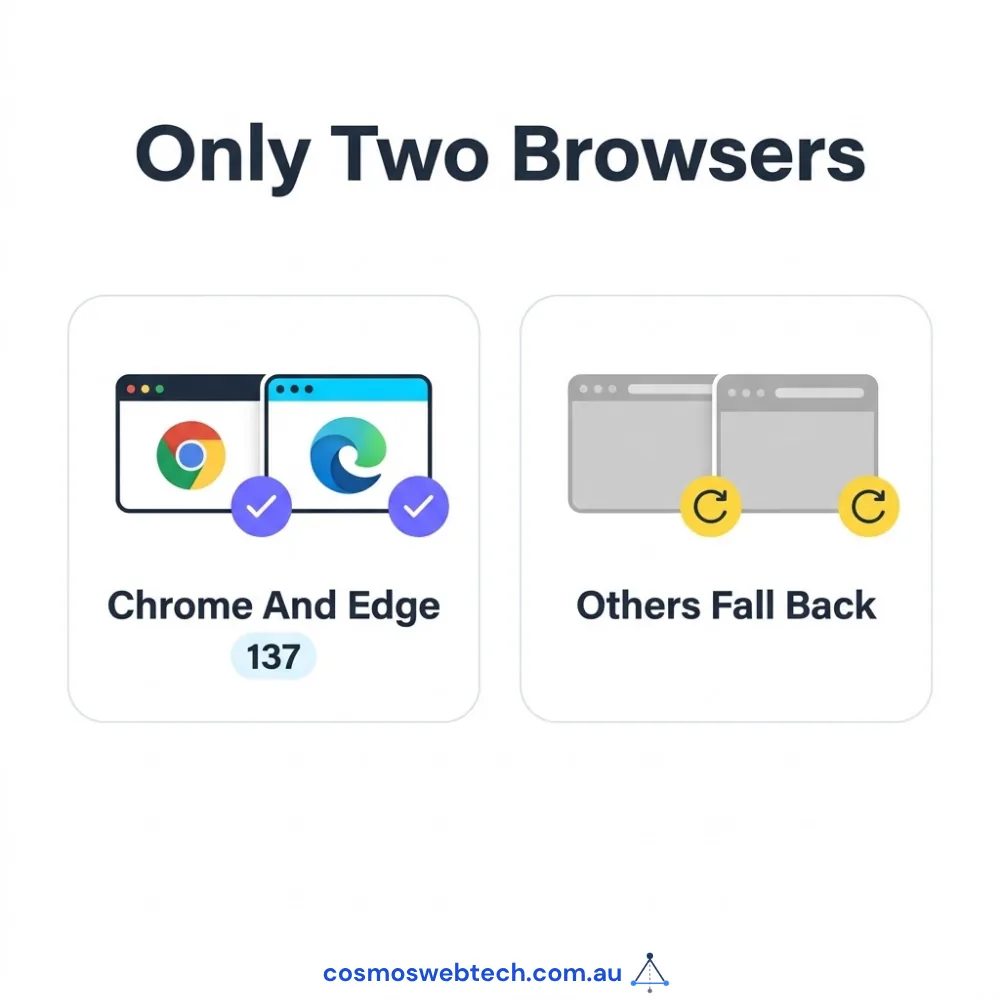
The caveat nobody will lead with: this requires the browser to support a specific isolation header, and at release that means Chrome 137 or later, and Edge 137 or later. Safari and Firefox users fall back to the old server-side path.
So if your team uploads from Macs using Safari, you will not see the benefit yet. Nothing breaks — it simply does what it always did. Worth knowing before anyone promises you a speed improvement that half your staff will not get.
2. A Tabs block, built in
WordPress now ships a Tabs block that organises content into tabbed sections, and it accepts any other block inside it.
This is a small thing that removes a real annoyance. Tabbed content — service categories, FAQs, specification comparisons, before-and-after breakdowns — previously meant installing a plugin, and that plugin then became something to maintain, update and worry about when it was abandoned.
If you have a page-builder addon installed purely for tabs and accordions, this release is a reasonable prompt to check whether you still need it. Every plugin you remove is one fewer thing that can be vulnerable, and one fewer thing to update.
There is also a new Playlist block for audio, which is genuinely useful if you publish a podcast and irrelevant otherwise.
3. Editorial notes got considerably better
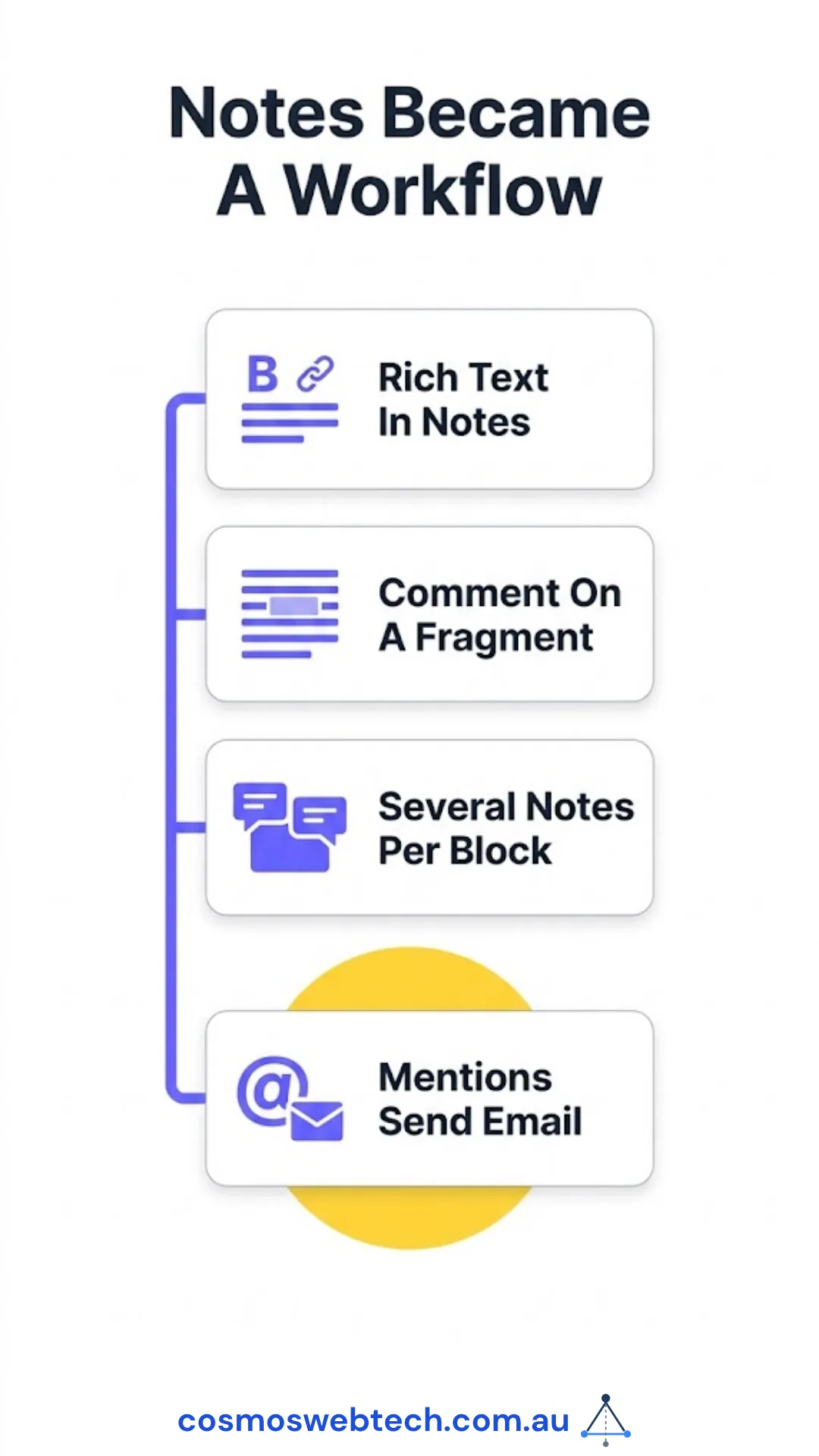
If more than one person touches your website content, the Notes feature is now much closer to usable:
- Notes support rich text — bold, italics, links.
- You can comment on a specific fragment of text rather than a whole block.
- Multiple notes can sit on the same block.
- @mentions send an email to the person mentioned.
That last one is what turns notes from a scratchpad into a review workflow. “Can you check this claim before we publish” now reaches the person it names, instead of sitting on a page nobody revisits.
For a business where the owner reviews content a marketing contractor writes, this replaces a chain of emails with comments attached to the actual paragraph.
The rest, briefly
The remainder of the release is mostly developer-facing: a design-token system for admin theming, new icon registration functions, background gradients and minimum-width controls in the block editor, text-shadow support in global styles, and an expanded Abilities API — the mechanism WordPress uses to let external AI agents discover and invoke operations on a site.
That last one matters strategically rather than immediately. If anyone proposes connecting an AI assistant to your website, the permission and logging controls added in 7.1 are the things to insist on. That is a conversation to have with whoever maintains your site, not a setting for you to change.
Should you update?
Yes, but not blindly, and the reasoning is the same as for any WordPress release.
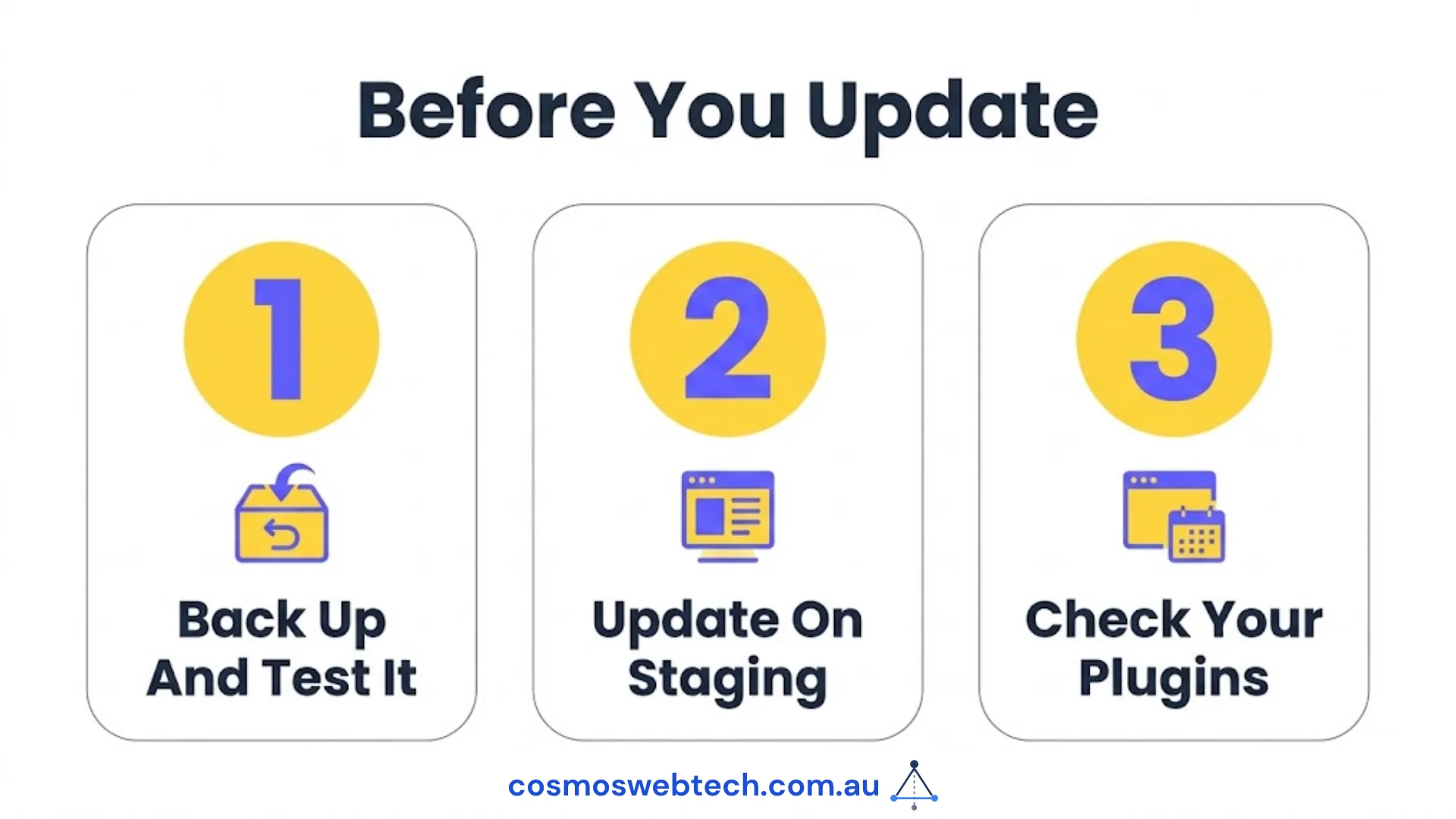
Update, because staying current is the single most effective security practice available to a WordPress site. Vulnerabilities are disclosed publicly and exploited within days. Sites that fall behind are found by automated scanning, not by anyone targeting you specifically.
Test first, on a staging copy. Major releases occasionally interact badly with an older theme or an unmaintained plugin. Fifteen minutes on a staging site is the difference between catching that yourself and hearing about it from a customer.
Check your plugins first. Before a major-version update, look at whether your key plugins have released compatible versions. A plugin that has not been updated in two years is the thing most likely to break — and that is worth knowing regardless of this release, because an abandoned plugin is a security problem waiting for a disclosure.
The practical checklist
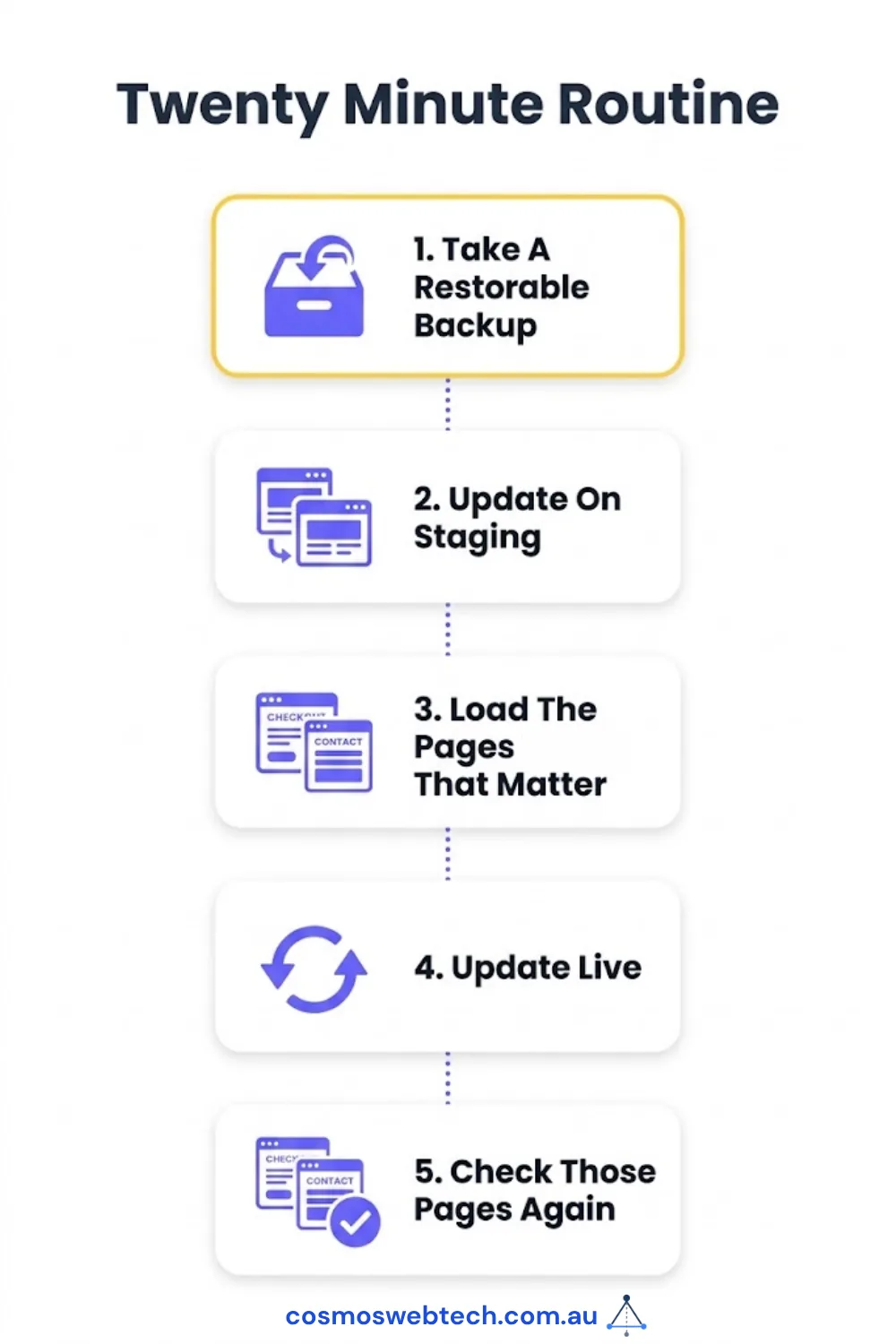
- Take a backup, and confirm it is a backup you could actually restore.
- Update on staging first.
- Load the pages that matter — checkout, contact form, booking — not just the homepage.
- Update live.
- Check the same pages again.
That is twenty minutes for a typical small business site, and it is the routine that keeps a site both current and working.
Not confident about running the update yourself, or unsure whether your plugins are ready for it? Get in touch — we handle WordPress maintenance for Australian businesses, including the boring part where someone actually checks the site afterwards.
Hosting environments, PHP versions and backup infrastructure sit with Cloud Geeks, who provide managed cloud and IT support for Australian businesses.
Ash Ganda covers how Australian firms are approaching AI agents connected to production systems, and the access controls that should come with them.
Part of the Ganda Tech Services family, Cosmos Web Tech delivers specialist web design and digital marketing for Australian small and medium businesses.