If you run a WooCommerce store, there is a setting in your admin that most owners have never opened and that decides whether some of your plugins quietly stop working.
It is called High-Performance Order Storage, and it changes where your orders live.
What actually changed
For most of WooCommerce’s life, orders were stored as WordPress posts. An order was a row in the same table as your pages and blog posts, with its details spread across a second table of metadata.
That worked, and it did not scale. Every query for orders competed with every query for content, in a table that was never designed for transactional data.
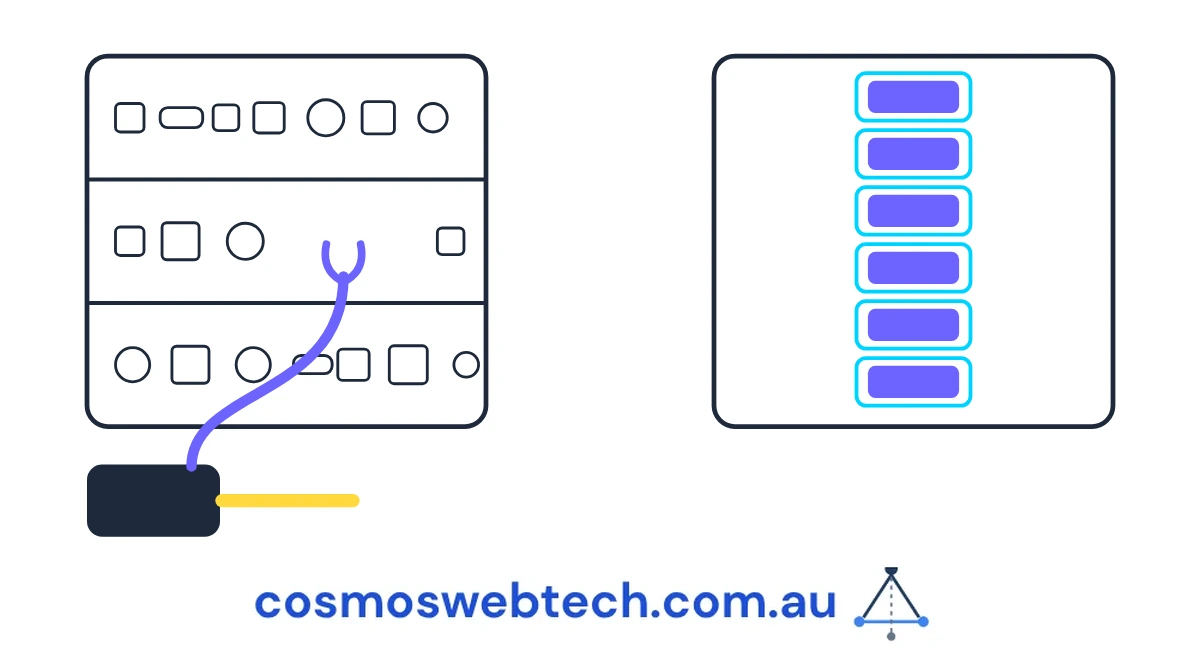
High-Performance Order Storage — HPOS — moves orders into their own dedicated tables. Faster order screens, faster searches, and a store that keeps working when the orders table gets large.
The catch is that any plugin written against the old arrangement is looking in the wrong place.
Why it fails quietly rather than loudly
This is the part that makes it worth an owner’s attention rather than only a developer’s.
A plugin reading orders the old way, on a store that has switched to HPOS, does not usually throw an error. It runs a query, finds nothing, and carries on. From the outside that looks identical to a store with no orders matching — which, most of the time, is a perfectly normal state.
So the symptom is not a broken page. The symptom is something that used to happen and no longer does. Review requests that stop going out. A report that shows zero. An integration that silently syncs nothing.
WooCommerce mitigates this with a compatibility declaration: a plugin states whether it supports the new storage, and the store warns you about plugins that have not. That warning is the thing to go and look for.
★ Insight ─────────────────────────────────────
The declaration is the interesting design choice here. A plugin does not automatically work or break — it has to assert which storage it supports, and WooCommerce refuses to enable the new mode quietly when something says it does not. That turns an invisible runtime failure into a visible pre-flight one, which is the same trade a good deployment gate makes: fail in a place someone is looking, rather than succeed in a place nobody is.
─────────────────────────────────────────────────
What we had to change
We maintain a reputation plugin — it asks customers for a review after their order is complete. It was reading orders the old way.
Three changes went into its September release.
A compatibility declaration. The plugin now declares support for custom order tables during WooCommerce’s initialisation, so the store knows it is safe and stops warning about it.
Review requests moved onto a scheduled queue. Previously a request was attempted at the moment an order completed, inside the same page load. That is the wrong place for it: an email gateway having a slow minute becomes a slow checkout, and a failure has nowhere to go. Each request is now scheduled as its own background event, with a stored flag preventing an order from being queued twice, and a note written onto the order itself on both the sent and the failed path — so the order record answers the question “did this customer get asked?” without anyone reading a log.
A decryption fix. Stored credentials were encrypted with a random initialisation vector prepended to the ciphertext and separated by a delimiter. The code split the stored value on that delimiter to recover the two halves. Which works, until an initialisation vector happens to contain the delimiter’s bytes — at which point the split lands in the wrong place, the wrong slice is treated as the key material, and decryption fails for that one record and no other. Random data eventually contains any given byte sequence. The fix reads the two halves by fixed offset instead, because the vector’s length is known and does not need to be discovered.
That last one is a good example of a bug that is impossible to reproduce on demand and inevitable over time.
The defect we found while preparing the release
Worth including because it is the kind of thing nobody writes about, and it affects anyone distributing software.
Our plugins are published through a system where the release is pushed from a separate repository, with our own code repository catching up afterwards. The consequence is that our repository is not the record of what shipped.
Checking the published versions against our own, before the release, found that they had drifted. One plugin had ten unreleased items sitting in its changelog under a version heading that had already been published — so the version number in our tree and the version number on the distribution site described different code under a label that cannot be reissued. Anyone already on that version would never have received those fixes, because to them it was already installed.
On the reputation plugin it was worse in a different way. Its changelog described its release as having no functional changes — for a release that declares compatibility with a new storage engine, moves email onto a queue, and fixes a decryption bug. Three functional changes described as none.
So every claim in the new changelog was verified against the code before publishing it, rather than taken from the commit messages. That sounds pedantic. It is the difference between a changelog a store owner can act on and one they learn to ignore.
What a store owner should check
Four things, and none of them need a developer.
- Find out which mode you are in. WooCommerce → Settings → Advanced → Features. It will tell you whether you are on the legacy posts storage or the high-performance one.
- Read the compatibility list on that screen. WooCommerce names the plugins that have not declared support. Anything on that list is a plugin to check or replace before switching.
- If you have already switched, check the things that run quietly. Review requests, abandoned-cart emails, accounting sync, shipping label generation. Not “does the page load” — has the thing that should happen after an order actually happened, this week.
- Look at the date on your plugins’ last update. A plugin that has not been updated since HPOS became the default is not necessarily broken, but nobody has confirmed it is not.
If the answer to several of those is uncomfortable, the underlying question is usually not which plugin to fix but how many systems hold your order data at all — which is the case for a single business system rather than a store plus four integrations.
The general shape is worth remembering beyond WooCommerce: when a platform changes where data lives, the failure you get is usually not an error message. It is an empty result, which looks exactly like a quiet week.
Cosmos Web Tech builds and maintains WooCommerce and Shopify stores for Western Sydney and Hills District businesses. Hosting and infrastructure come from Cloud Geeks, apps from Awesome Apps, and we are part of Ganda Tech Services.