
Two posts on this blog spent about four months showing their alt text where a picture should have been. The files existed. They were committed, deployed and served with a 200. Every automated check we had said the site was fine.
They were AWS error responses.
What was actually in the file
Both heroes were 2,889 bytes. Opened as text:
<?xml version="1.0" encoding="UTF-8"?>
<Error><Code>SignatureDoesNotMatch</Code>
  <Message>The request signature we calculated does not match
    the signature you provided.</Message>
  <CanonicalRequest>GET /export-download.canva.com/...</CanonicalRequest>
On 16 April a script downloaded a batch of designs from Canva through signed S3 URLs. Some signatures did not verify. S3 answered with a 403 and an XML body explaining why — which is the correct thing for S3 to do. The script wrote the response body to hero.png and moved on, because it never looked at the status code.
A sweep across the whole estate found four files like this. Three were SignatureDoesNotMatch. The fourth was different and more instructive:
<Error><Code>AccessDenied</Code>
  <Message>Request has expired</Message>
  <X-Amz-Expires>77577</X-Amz-Expires>
  <Expires>2026-04-16T14:40:07Z</Expires>
The signed URL had lapsed eight and a half hours before the fetch. A long batch run outlived its own credentials partway through, and every download after that point produced a file the same size, in the same folder, with the right name.
Why some of these break and others do not
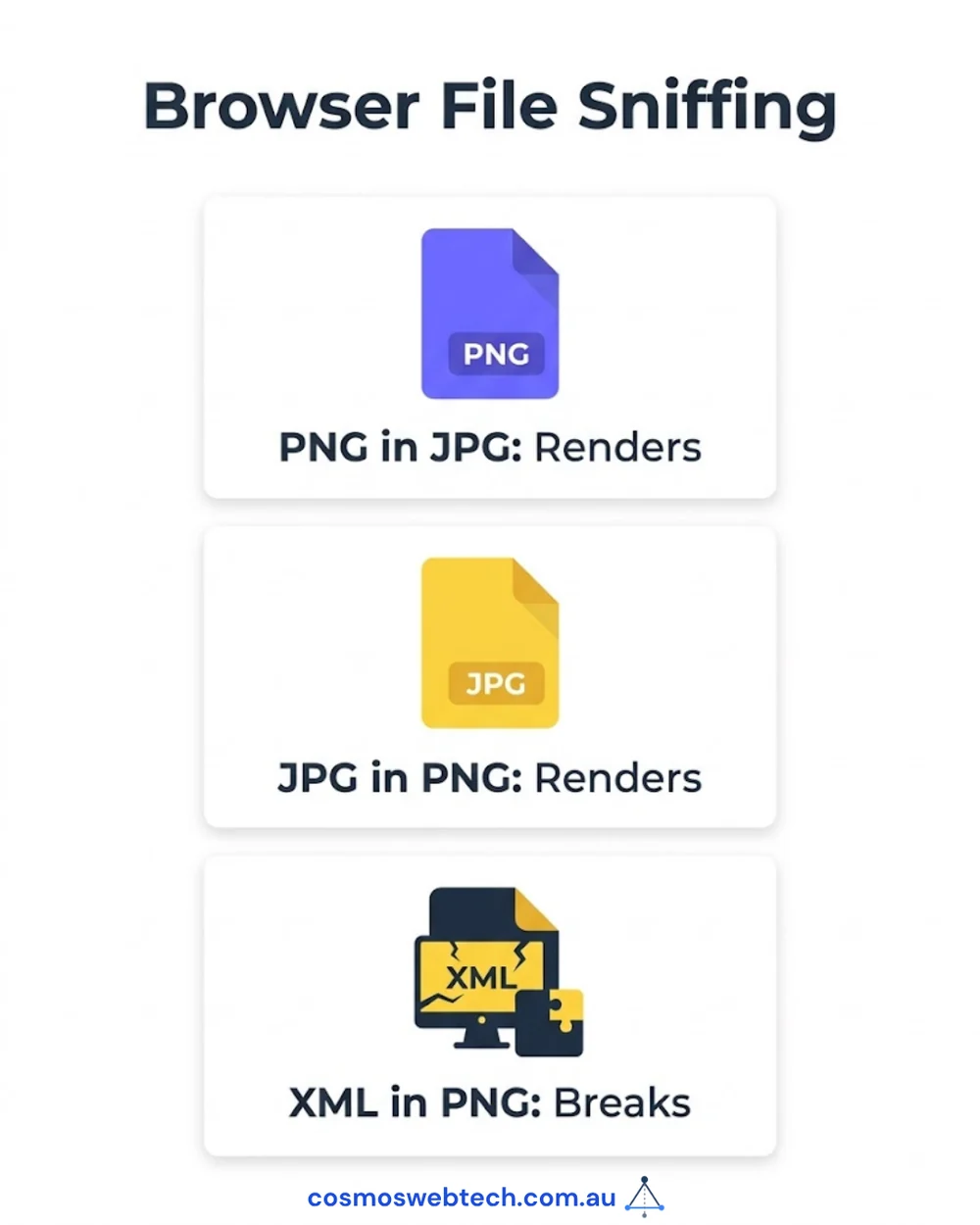
The same sweep found 99 files whose contents disagreed with their extension. Only four broke anything.
| What was in the file | Extension | Count | What a browser does |
|---|---|---|---|
| PNG | .jpg |
50 | renders it fine |
| JPEG | .png |
45 | renders it fine |
| XML / SVG | .png or .jpg |
4 | shows the alt text |
Browsers identify an image by its opening bytes, not its name. A PNG announces itself with a specific four-byte signature, a JPEG with three. When a server says image/jpeg and the bytes say PNG, the browser trusts the bytes and draws the picture. Ninety-five of our files were mislabelled and nobody could tell, including us.
XML is where that stops. Browsers deliberately refuse to sniff XML or SVG as an image, because an SVG can carry script and treating an unknown document as one would be a security hole. So when Cloudflare read .png, sent Content-Type: image/png, and the body turned out to be an S3 error document, the decoder gave up and the alt text appeared.
That distinction is worth holding on to. The mild version of this bug is invisible for months because browsers are forgiving. The severe version is visible immediately — but only to a human looking at the page.
Every check we had, and why each one passed
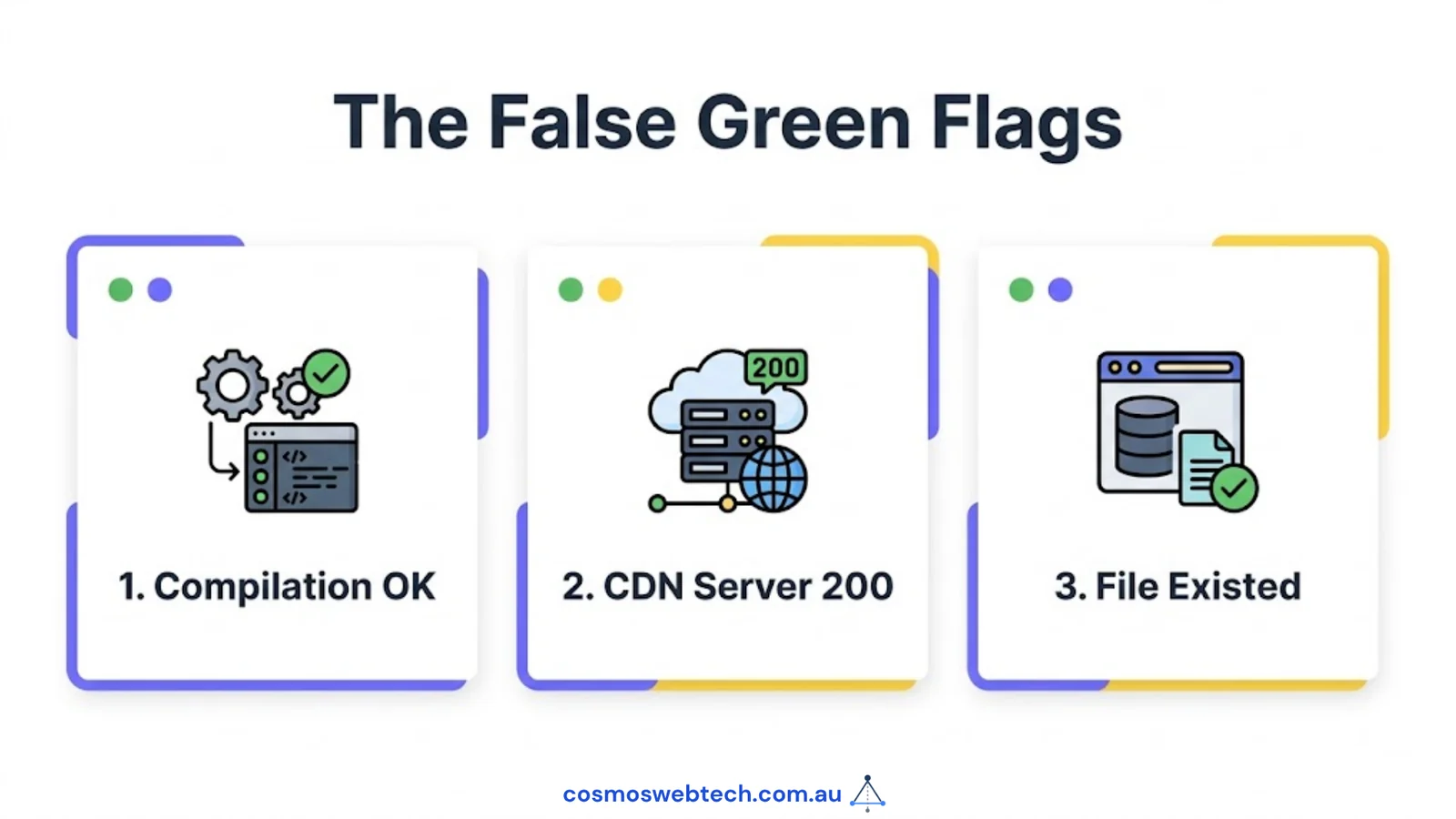
Nothing here was unmonitored. The problem was that each check asked a question these files could answer.
The build. Astro does not fetch /images/... from public/ at build time. A missing or malformed file is not a build error, so all 633 pages compiled green.
The deploy. Cloudflare served the file with a 200 and a Content-Length. From the CDN’s side, a 2,889-byte file is a file.
Our own image audit. This is the one that stings. We run a script that finds every image a post references and reports the ones that are not on disk. It had been catching real problems for weeks. It asked does this file exist? — and the answer was yes.
That last one is the whole lesson. A check that asks whether an artifact is present will pass on an artifact that is present and worthless. It was not a broken audit. It was an audit answering a question one step to the left of the one that mattered.
The fix, which is four lines

The audit now reads the first bytes of every referenced image and compares what it finds to what the extension claims:
const MAGIC = [
  [Buffer.from([0x89, 0x50, 0x4e, 0x47]), 'PNG',  0],
  [Buffer.from([0xff, 0xd8, 0xff]),       'JPEG', 0],
  [Buffer.from('GIF8'),                   'GIF',  0],
  [Buffer.from('WEBP'),                   'WEBP', 8],
];
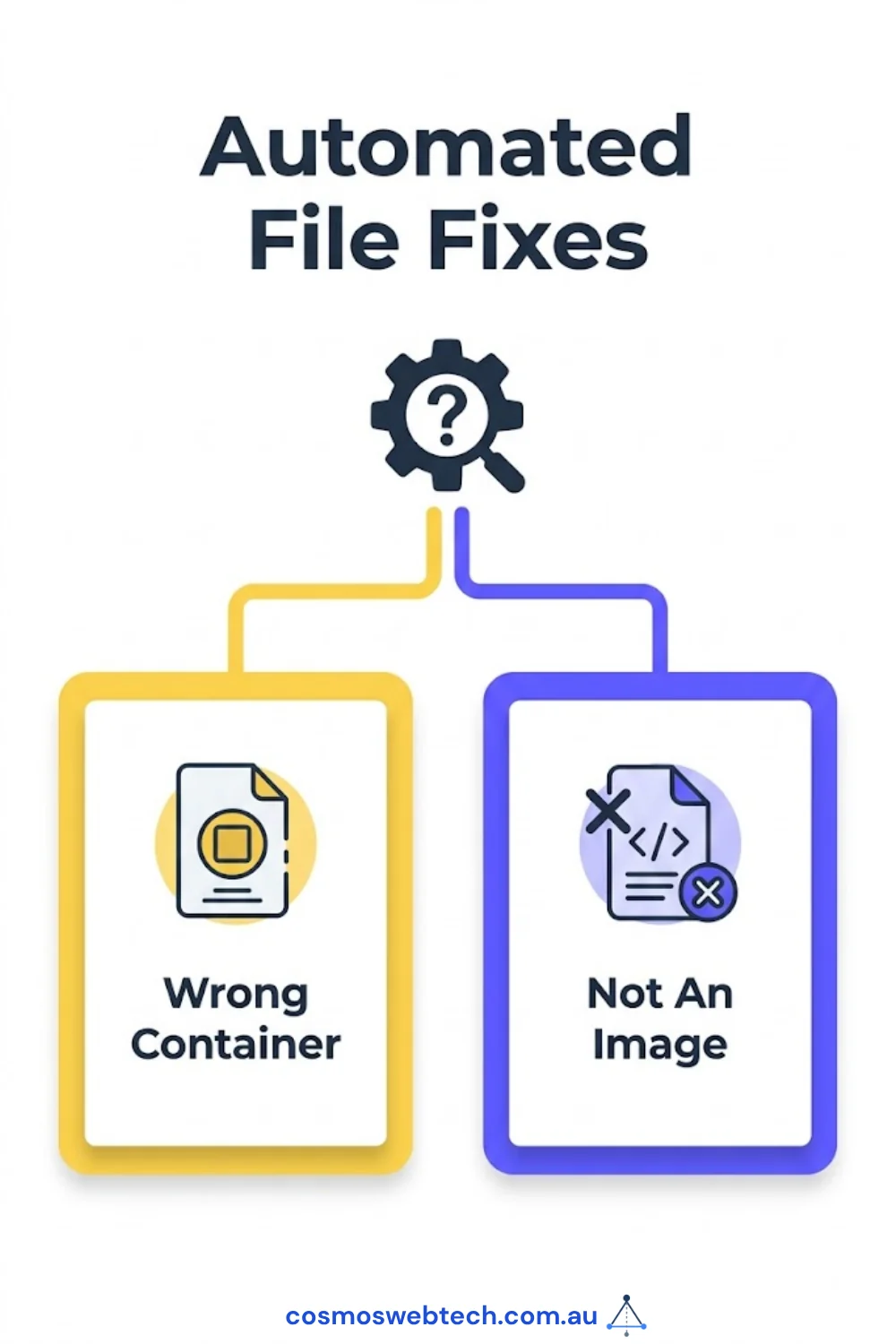
It reports two separate faults, because they are not the same problem and should not compete for the same attention:
- NOT AN IMAGE — an XML error body, an HTML page, JSON, or an SVG in a raster extension. Renders nowhere. Fix today.
- wrong container — PNG in
.jpg, JPEG in.png. Renders everywhere. Fix when convenient; it only matters to strict consumers and social scrapers reading theContent-Type.
Collapsing those two into one “broken images” number would have buried four urgent problems under ninety-five cosmetic ones.
The other thing the audit found
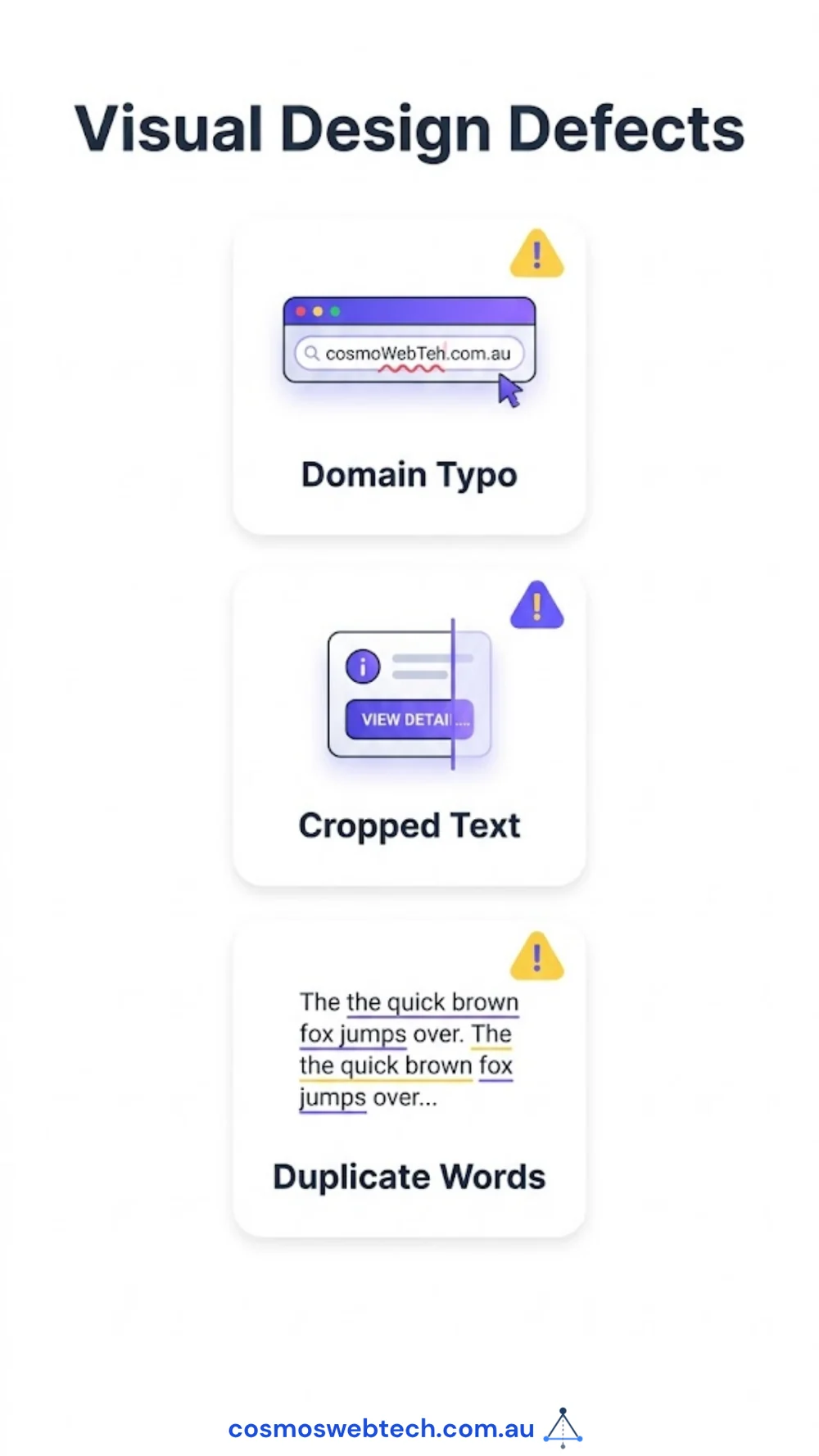
While the sweep was running, we looked properly at the hero images themselves rather than just their bytes — 416 of them on this site, generated by a template batch in February.
They were worse than the four broken ones, in a way no automated check would ever report, because they were all valid PNGs.
The footer of every card read cosmowebtech.com.au. Our domain is cosmoswebtech.com.au. The version printed on 416 live pages is missing a letter and does not resolve — it returns nothing at all. Alongside that: headlines cropped mid-word, so one card read ESPOKE WEB DESIGN where the B had fallen off the canvas, and another ended CREATING YOUR ONLIN. A third managed a duplicated word, a cropped word and a misspelling in one line: GROW YOUR / YOUR BUSINE / DIGITATLY.
All 416 have been replaced with cards generated from each post’s own title and category, with the contrast of every text element measured against the pixels actually behind it rather than against the colour we intended to use.
What we would tell another team
Check the status code before you write the file. The download script had all the information it needed. A response body is not a payload until you have looked at what kind of response it was.
Ask what the artifact is, not whether it is there. Existence is the cheapest question available and it is almost never the one you care about.
Separate faults by whether a user can see them. Ninety-nine mismatches sounds like a crisis. Four broken pages is a crisis; ninety-five wrong MIME types is a chore. A single number would have hidden which was which.
Look at the pages. The bytes-level bugs were found by a script. The wrong domain baked into 416 images was found by opening one of them and reading it. No parser was ever going to notice that the footer said the wrong thing, because it said it perfectly.
Cosmos Web Tech builds and maintains websites for Australian businesses. If your site has images that quietly stopped working, we can tell you which ones.