Type your domain into a browser with www. in front of it. Then type it without.
If both load the site rather than one sending you to the other, every page you have is being served at two addresses. We found this on three of our own sites in a single afternoon, and the most useful part of the story is not the defect — it is that one of them had a fix in place that had never worked.
The check itself
Ten seconds, no tools:
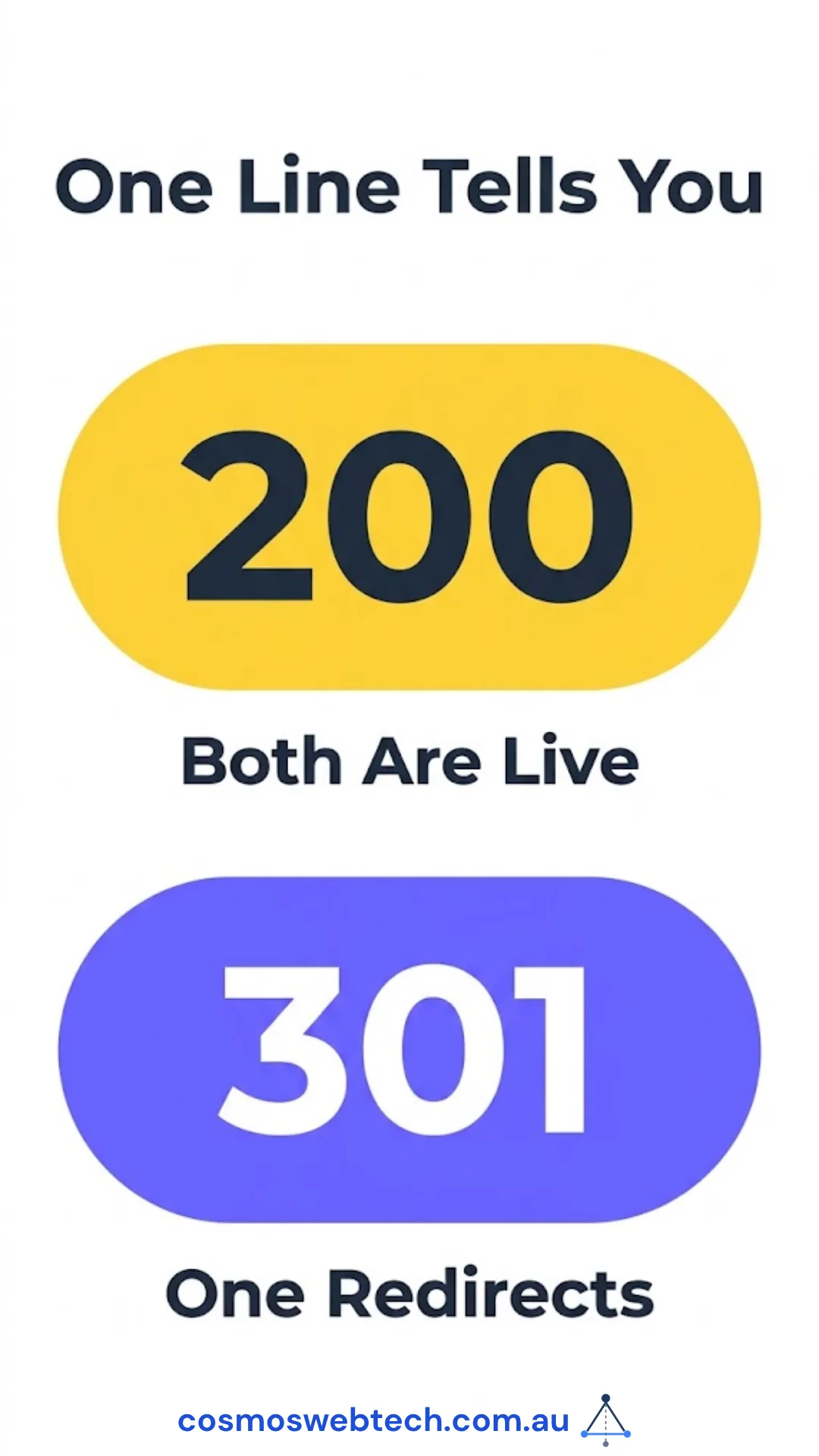
curl -sI https://www.yourdomain.com.au | head -1You want a 301 or 308 on one of the two forms. If both return 200, both hostnames are live.
What it costs
Not what most people assume. This is rarely a ranking catastrophe, because if your pages carry a canonical tag pointing at one version, Google generally consolidates them. Ours did.
The damage is quieter and lands in two places.
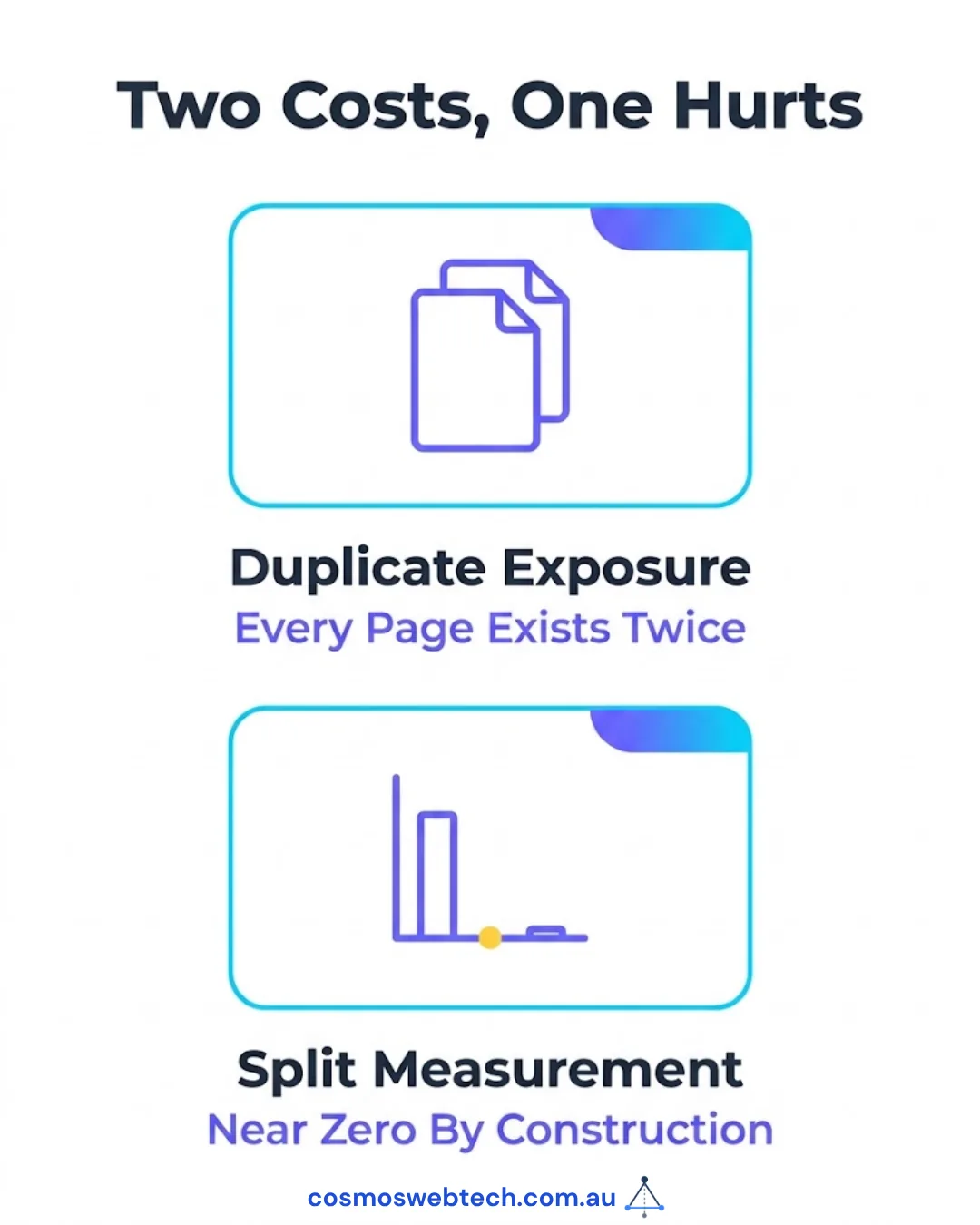
Duplicate exposure. Every page exists twice for anything that does not read canonicals as carefully as Google does — internal search, scrapers, AI crawlers, link-checking tools, and any third party building a picture of your site.
Split measurement, which is the expensive one. This is the part that caught us out. On one site, the Search Console property being monitored was the www one. That property reports near-zero by construction, because nothing on the site canonicalises to it. Two separate tools showed “no impressions” for a site that had traffic, and the numbers were not wrong — they were answering a question nobody meant to ask.
If you have ever looked at an analytics or Search Console property and thought “that cannot be right”, check which hostname it is attached to before you go looking for a deeper explanation.
The part that is genuinely worth knowing
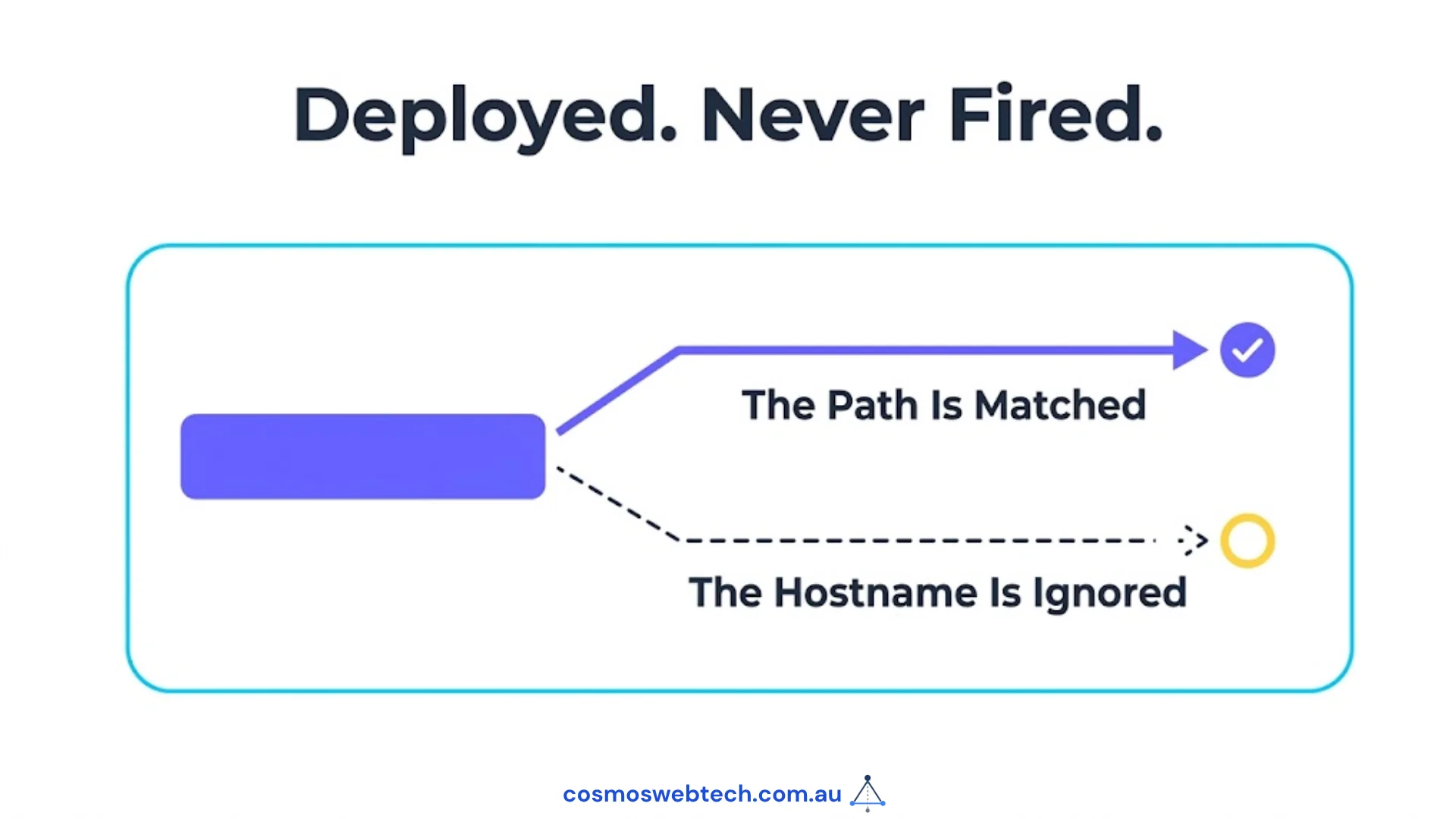
One of the three sites already had a redirect rule for exactly this problem. It had been in the configuration for months. It had deployed successfully every time. It had never once fired.
The rule looked like this:
https://www.example.com.au/* https://example.com.au/:splat 301That reads like a fix. It is not one, and the reason is specific to how static hosts handle redirect files: Cloudflare Pages matches _redirects rules on the path only. A hostname in the “from” column is not something it can match against. The line parses, deploys, and is silently ignored.
We could confirm the file itself was live — it was 22KB in the build output, and fetching it directly returns a 404, which is the platform’s way of saying it consumed the file as configuration rather than serving it as content. Everything about the deployment was healthy. The rule was decoration.
This is the same failure shape as a green tick on a job that did nothing: the artefact existed, so every check passed.
What actually fixes it
Redirecting by hostname needs something that can see the hostname. On Cloudflare Pages that means a middleware function rather than a config line:
export async function onRequest({ request, next }) {
  const url = new URL(request.url);
  if (url.hostname.startsWith('www.')) {
    return Response.redirect(
      `https://${url.hostname.slice(4)}${url.pathname}${url.search}`, 301);
  }
  return next();
}
Handled by prefix rather than by listing hostnames one at a time — which matters, because that is how the third site’s problem happened.
The third site had a list, and www was not on it
The parent-brand site had an alias list: six older hostnames left over from previous arrangements, each redirecting to the canonical domain. Someone had thought carefully about this. The list was maintained.
www. was not on it.
So the one hostname a visitor is most likely to type was the one hostname that was not being redirected, while six obsolete subdomains were handled correctly.
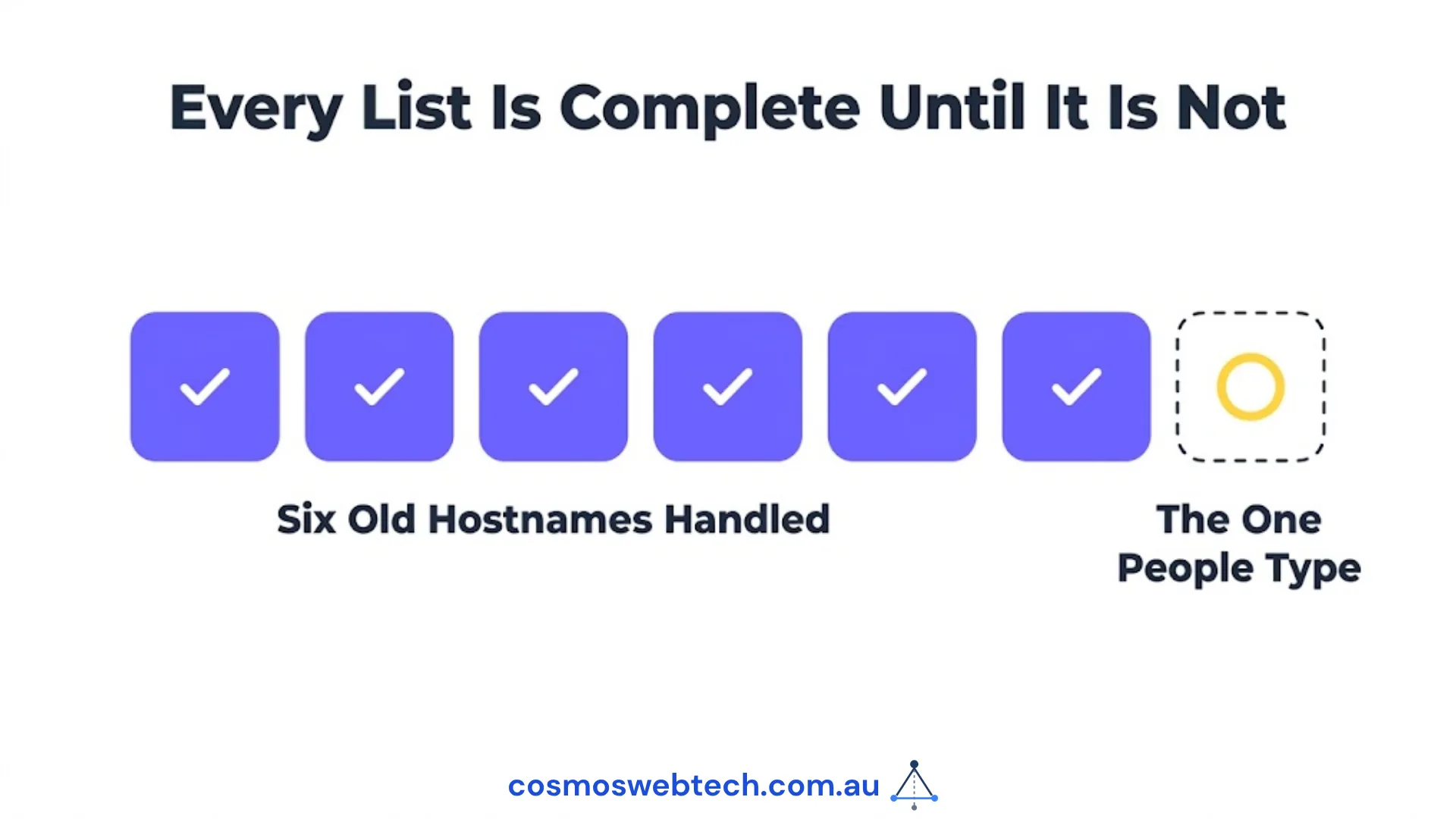 That is not carelessness — it is what happens when a problem is solved by enumeration. Every list is complete until the day it is not.
Handling it by prefix instead of by membership means a future hostname cannot be forgotten the same way.
Do this on your own site now
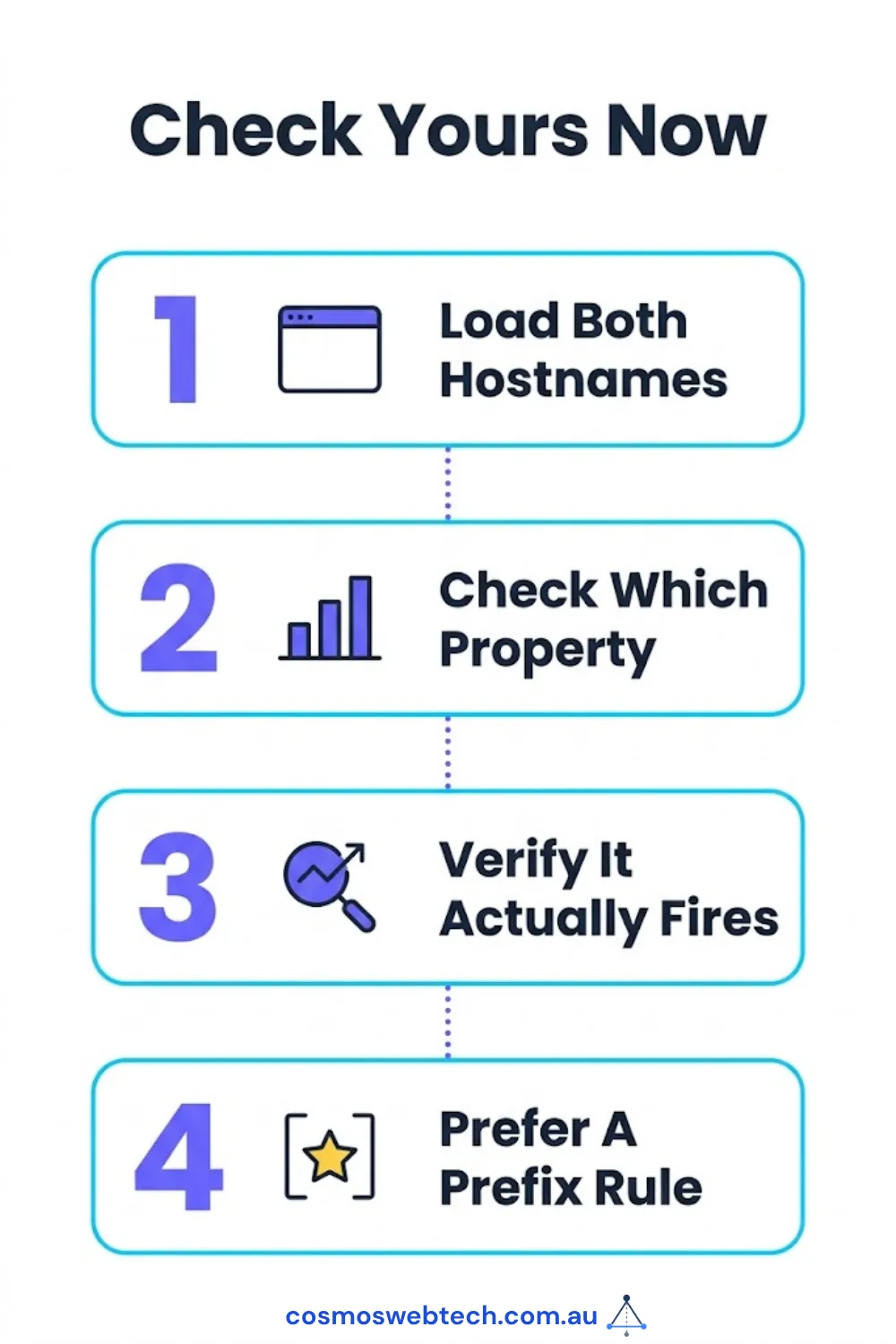
- Load both hostnames. One should redirect to the other.
- Check which property your analytics and Search Console are attached to. If it is the non-canonical one, your reporting has been describing a version of your site that nobody visits.
- If you have a redirect rule for this, verify it fires — do not assume.
curl -sIon the www form tells you in one line. - Prefer a prefix rule over a list. Lists are complete right up until they are not.
If a check like this feels like it should have been someone’s job, it usually was — it just was not on any list either. We wrote up the twelve checks we run before taking over a site, of which this is the first.
Want a second pair of eyes on your setup? Get in touch — this is a short job and you get the findings either way.
Hostname configuration, redirect rules and certificate coverage sit with Cloud Geeks, who handle hosting and infrastructure for Australian businesses.
Ash Ganda writes on why a control that cannot fail is not a control — the principle behind a redirect rule that deployed cleanly and did nothing.
Part of the Ganda Tech Services family, Cosmos Web Tech delivers specialist web design and digital marketing for Australian small and medium businesses.
Frequently asked questions
Should my site use www or no www? Either works — what matters is that you pick one and the other redirects to it permanently. Google treats them as separate hostnames, so serving both means every page exists at two addresses.
Does serving both www and non-www hurt my SEO? Usually less than people fear, provided every page carries a canonical tag pointing at one version, because Google consolidates them. The bigger practical cost is split measurement: a Search Console property attached to the hostname nothing canonicalises to will report almost nothing.
Why did my redirect rule not work?
If it is a _redirects line on Cloudflare Pages with a hostname in the “from” column, it cannot work — that file matches on path only. The line deploys without error and is ignored. Hostname redirects need a middleware function or a platform-level redirect rule.
How do I check whether my redirect is actually firing?
curl -sI https://www.yourdomain.com.au | head -1 returns the status line. A 301 or 308 means it fires; a 200 means both hostnames are serving.
What about other old domains pointing at my site?
Same treatment, and check the list is current. On one of our sites six obsolete subdomains were redirecting correctly while www — the one people actually type — was missing from the list entirely.